|
|
|
|
Product Installation Procedure
The DiskBoss Server and DiskBoss Enterprise setup packages are available on the downloads page and from a large number of software directories from around the world. To be sure you are installing the latest product version check here: https://www.diskboss.com/downloads.html DiskBoss Server is especially designed to be as simple as possible. The installation procedure is very simple, requires no special knowledge and may be completed in less than 30 seconds. There is no need for any additional software. Just download the DiskBoss installation package, run the setup program and you are done. 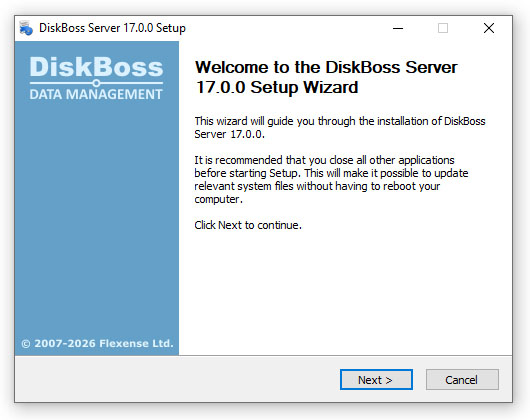
On the 'Welcome' screen press the 'Next' button. Read the end-user license agreement and press the 'I Agree' button if you agree with the license terms or the 'Cancel' button to stop the installation process. 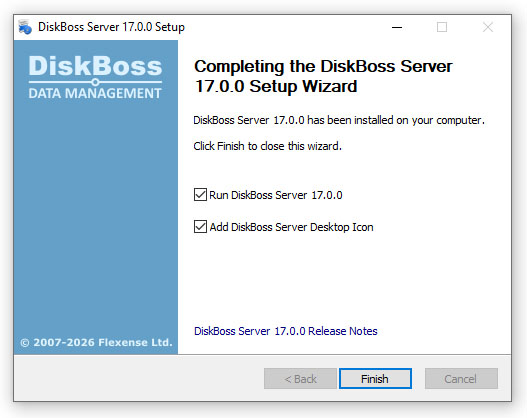
Select the destination directory, press the 'Install' button and wait for the installation process to complete. That's all you need to do to install the DiskBoss disk change monitor utility on your computer.
|
DiskBoss News
|