|
|
|
|
Disk Space Usage History Charts
DiskBoss Ultimate and DiskBoss Server provide the user with the ability to display history charts showing how the total disk space usage, a user-selected file category or the number of duplicate files are changing over time in one or more servers or desktop computers. 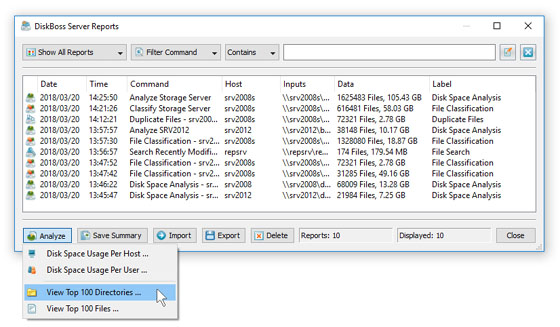
In order to display a history chart, save a series of reports to an SQL database, open the SQL reports dialog and press the 'History' button. A series of reports may be exported to an SQL database manually using the DiskBoss GUI application or automatically using the DiskBoss Server or the command line utility. The DiskBoss command line utility allows one to analyze, classify and categorize files in one or more disks or directories and save a report to an SQL database. In order to generate reports for multiple servers or desktop computers through the network, the user needs to specify one or more network shares that should be processed using the UNC notation and set an appropriate host name for each report saved to the database. Finally, DiskBoss Server may to configured to periodically analyze disk space utilization, classify files or detect duplicate files in one or more servers or desktop computers, save reports to a centralized SQL database and generate history charts showing how the used disk space and the number of files in a user-selected file category are changing over time. The history charts dialog displays the list of available charts, the list of host computers where the charts were generated on and extended statistical information for each chart. The user is provided with the ability to filter charts by the host name, location, report label, etc. allowing one to select an appropriate history chart. In addition, the charts dialog allows one to change the chart's title and footer, export the chart's image to the clipboard making it very easy to integrate DiskBoss history charts in user's custom reports and presentations.
|
DiskBoss News
|